
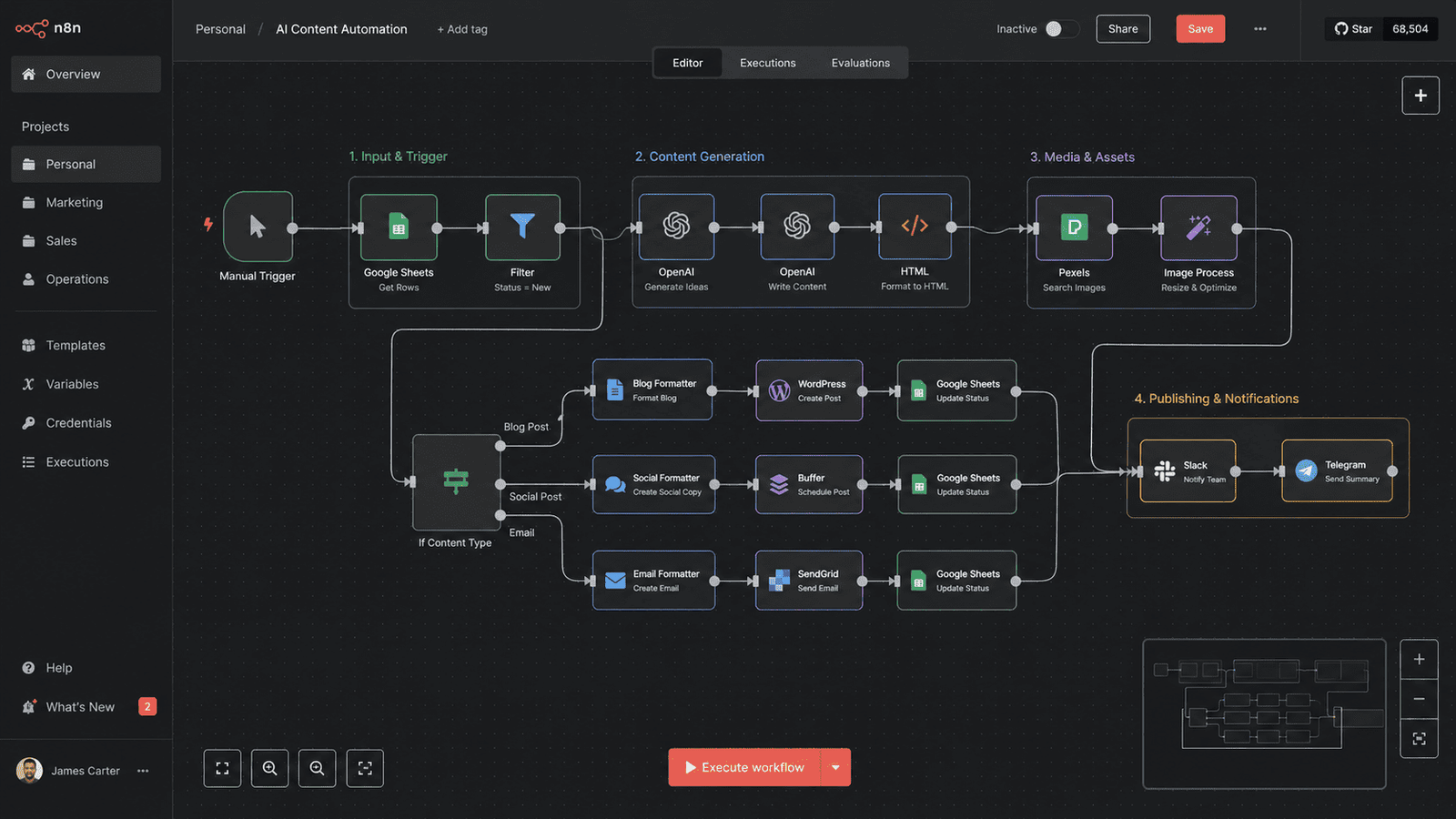
n8n: The Open-Source Automation Platform That's Killing Zapier in 2026
Let me tell you about a tool that saved one company ₹2,000 a month on automation costs. That same workflow would have cost them $200+ on Zapier. Every single month.
That tool is n8n. And in 2026, it is becoming the go-to automation platform for developers, startups, and enterprises who want control without vendor lock-in.
Here is everything you need to know about n8n — what it is, why it matters, and how you can use it to automate almost anything.
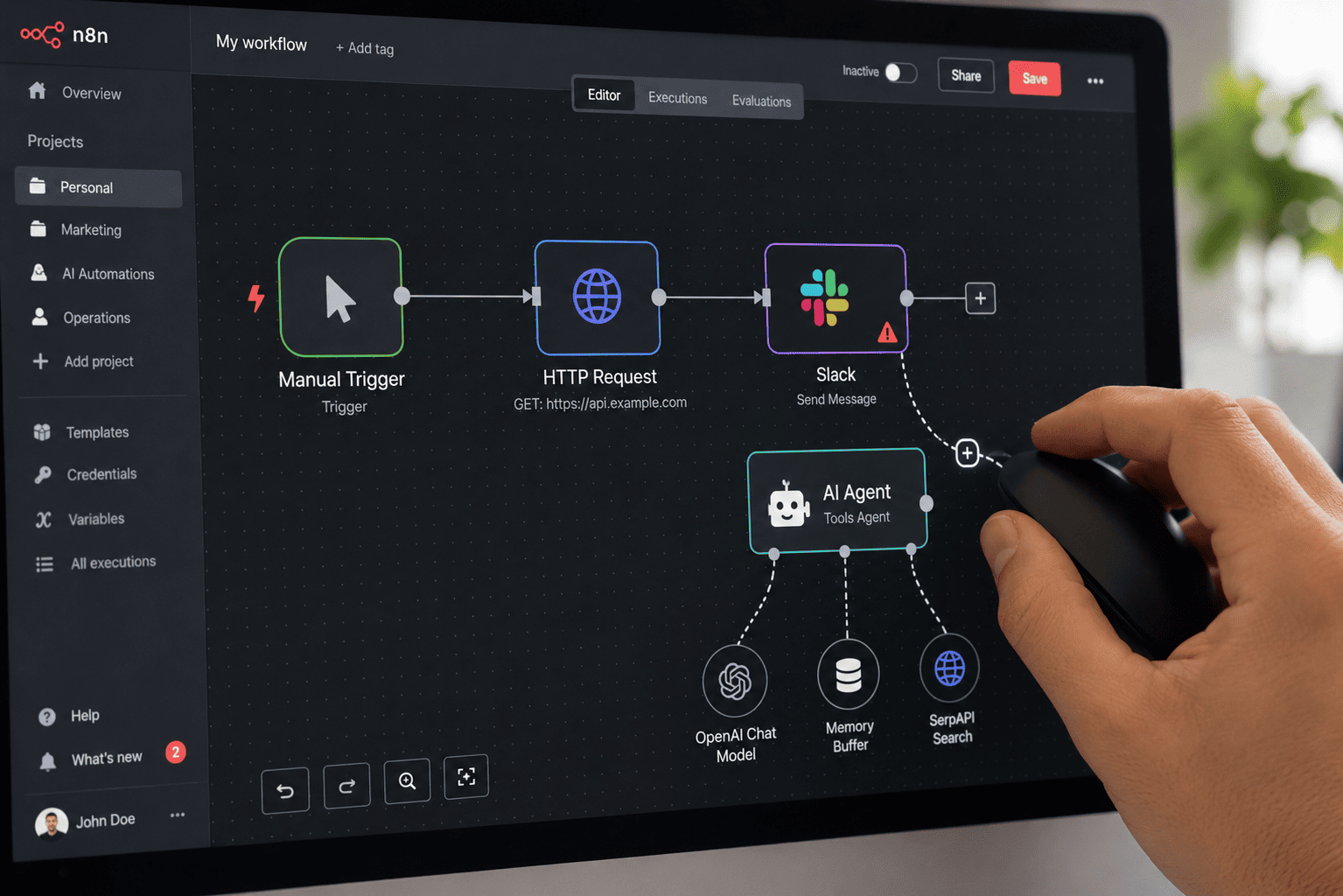
Image: n8n's visual node-based workflow editor lets you build complex automations without code.
What is n8n?
n8n (pronounced "n-eight-n" or "nodemation") is an open-source workflow automation platform. Think of it as a much more powerful, self-hostable version of Zapier or Make.
It lets you connect applications, automate business processes, and build data pipelines using a visual node-based editor. You drag nodes onto a canvas, connect them, and configure them. That is it. No complex coding required.
But here is what makes n8n different from every other automation tool: it is open-source, fair-code, and can be self-hosted. You own your data. You control your infrastructure. You are not locked into anyone's pricing model.
Why n8n is Exploding in 2026
n8n has been around for years. But 2026 is the year it went mainstream. Here is why.
Reason 1: Pricing Models Are Broken
Zapier charges per task. A 10-step workflow running 1,000 times a month = 10,000 tasks. That is $99–$200 per month. Make charges per operation — better, but still adds up.
n8n charges per execution. One complete workflow run — whether it has 5 nodes or 500 — counts as one execution. And if you self-host n8n, you pay nothing to n8n at all. Your only cost is your own infrastructure.
Reason 2: AI Integration is Best-in-Class
n8n added AI Agent nodes that let you drop a language model right into your automation flow. You can have a workflow that triggers when a customer email arrives, calls an LLM to classify the intent, routes it to the right team, and logs the result in your CRM. All in one flow. No code needed.
Reason 3: Self-Hosting Gives You Full Control
With n8n, you can run it on your own servers. Your data never leaves your infrastructure. No vendor lock-in. No surprise price hikes.
How n8n Works: Nodes, Triggers, and Workflows
Everything in n8n is built around three concepts.
Nodes are the building blocks. Each node does one thing — send an email, make an API call, query a database, or call an AI model.
Triggers start a workflow. A webhook, a schedule, a new email, or a file upload.
Workflows are the complete automation. You chain nodes together, connect them with lines, and n8n executes them in order.
The canvas is visual and drag-and-drop. Anyone can understand what a workflow does by looking at it. That is the power of node-based design.
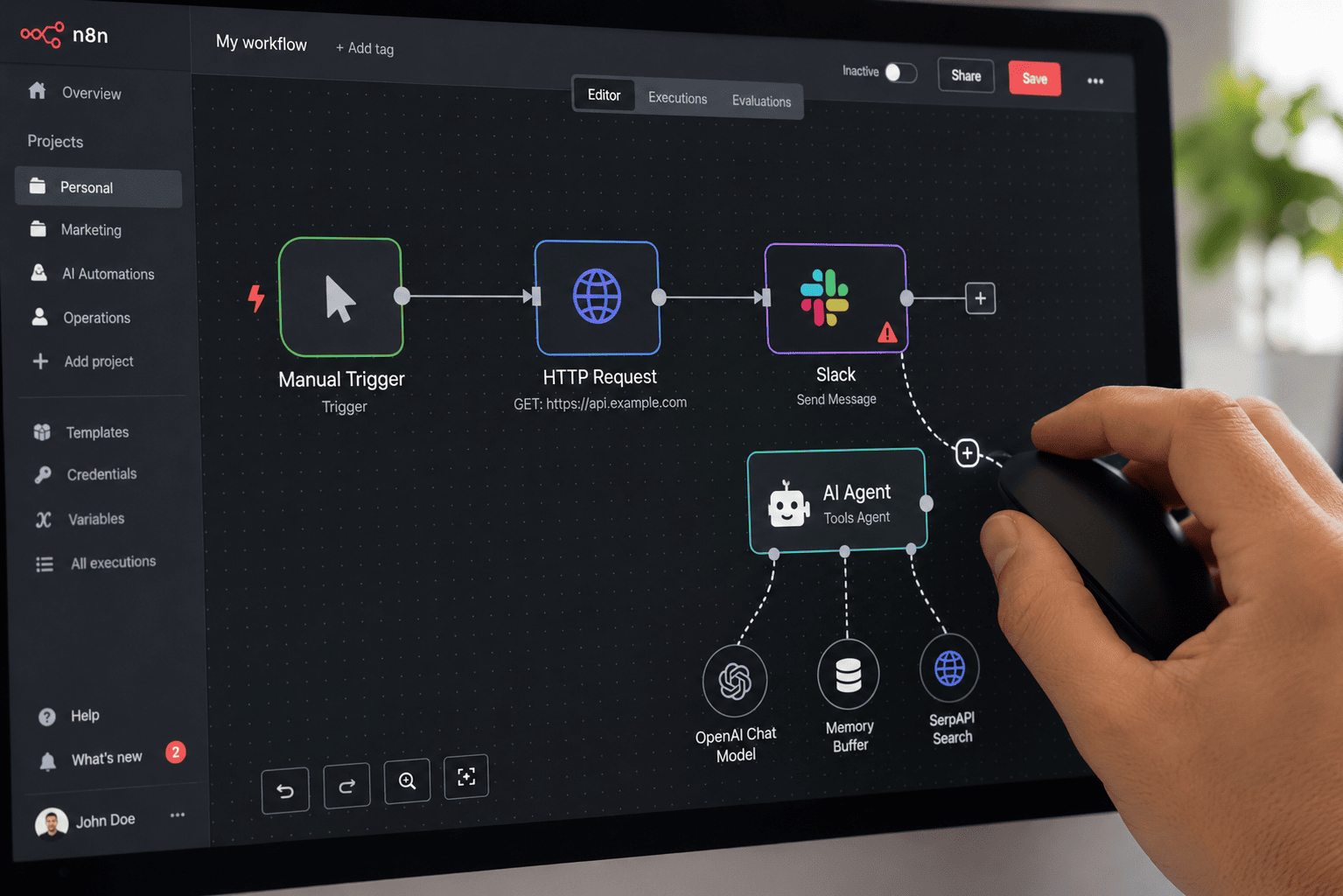
Image: Building workflows in n8n is as simple as dragging and connecting nodes.
Key Features of n8n in 2026
Here are the features that make n8n stand out.
400+ Built-in Integrations
n8n ships with over 400 native nodes connecting to services like Google Drive, Slack, HubSpot, Salesforce, PostgreSQL, and more. And if your app is not in the list, you can use the HTTP Request node to connect to any API.
AI Agent Nodes
n8n's AI Agent node connects a language model, memory, and tools. You can build AI-powered workflows that classify emails, summarize documents, generate responses, or even make decisions.
Custom Code Support
Need to do something complex? You can write custom JavaScript or Python code directly inside any node. This is where n8n beats every no-code tool — it gives you escape hatches when you need them.
Autosave
n8n 2.0 introduced autosave. Workflows now save automatically as you edit. Your work is never lost.
Fair-Code License
n8n is source-available under a fair-code license. [reference:29] You can inspect the codebase, self-host on your own infrastructure, or use n8n's managed cloud.
Top n8n Use Cases in 2026
The most popular n8n use cases cluster into four jobs: lead and sales automation, support and operations, content and marketing, and finance and documents.
Lead & Sales Automation
- Web-scrape leads to Google Sheets
- 60-second lead response — when a lead comes in, log it, email them, and ping the team
- CRM sync — add new form submissions to your CRM
Support & Operations
- Automated ticket triage — classify support tickets using AI and route to the right team
- Inbox automation — sort, label, and respond to emails automatically
Content & Marketing
- AI-powered news aggregation — collect articles from RSS and Google Search, summarize with AI, and send email reports
- Content repurposing — turn one piece of content into multiple formats
Finance & Documents
- Invoice extraction — extract line items from invoices
- Automated reporting — pull data from multiple sources and generate reports
n8n vs Zapier vs Make: The 2026 Showdown
Here is the honest comparison that actually matters.
| Factor | Zapier | Make | n8n |
|---|---|---|---|
| Best For | Non-technical teams, fast setup | Visual thinkers, moderate complexity | Developers, high-volume, AI agents |
| Pricing Model | Per task (each step = 1 task) | Per operation | Per execution (whole workflow = 1 unit) |
| Self-Hosting | ❌ No | ❌ No | ✅ Yes (free software) |
| AI Capability | Good (Zapier Agents) | Moderate (Make AI Agents) | Best-in-class (LangChain, Tool Node, RAG) |
| Learning Curve | Low | Medium | Low for devs, High for non-tech |
| Free Tier | 100 tasks/month | 1,000 ops/month | Unlimited (if self-hosted) |
| Integrations | 7,000+ | 1,500+ | 400+ (plus HTTP for anything) |
Our verdict: n8n, self-hosted, every time we can. For most small businesses: Make. For enterprises with non-technical teams: Zapier. For technical founders or developers: n8n.
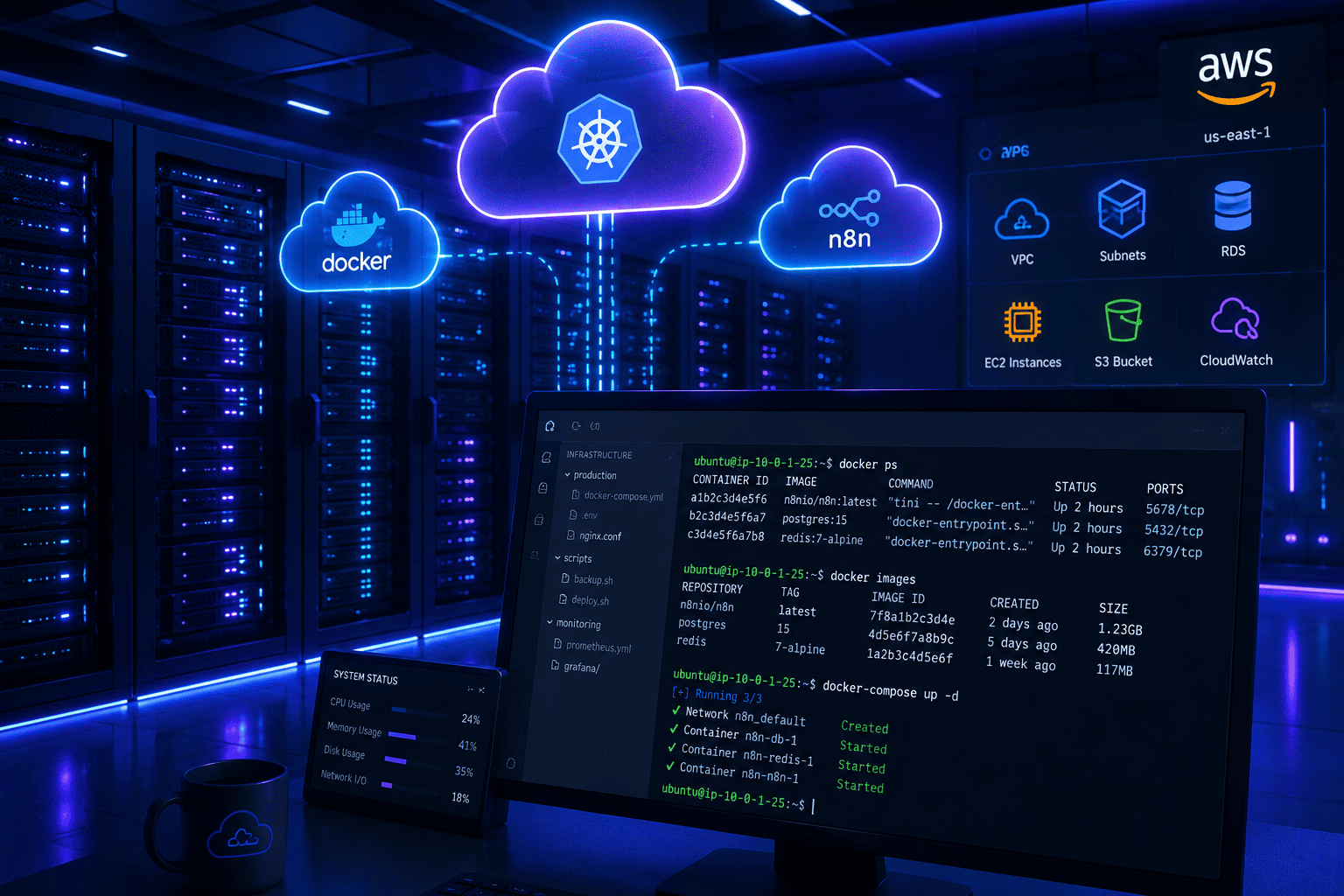
Image: Self-hosting n8n gives you unlimited workflows for zero ongoing cost.
How to Get Started with n8n
Here is the fastest way to start using n8n.
Option 1: n8n Cloud (Easiest)
Sign up at n8n.io/cloud. Free tier gives you 2,500 steps per month. Paid plans start at $20/month for 10,000 steps.
Option 2: Self-Host (Free, Unlimited)
Deploy n8n on your own server. Use Docker for the easiest setup.
Run this command:
docker run -it --rm --name n8n -p 5678:5678 n8nio/n8n
That is it. n8n is now running on your machine. Open http://localhost:5678 and start building.
Is n8n Right for You?
Let me be honest. n8n is not for everyone.
Choose n8n if:
- You are technical or have a technical team
- You want to self-host and control your data
- You are running high-volume workflows
- You want to build AI agents and complex automations
- You are tired of paying Zapier's pricing
Choose Zapier or Make if:
- You are non-technical and need something that "just works"
- You need access to a niche app that only Zapier supports
- Your workflows are simple (1-3 steps)
Final Thoughts
n8n is not just another automation tool. It is a paradigm shift.
For years, companies have been locked into Zapier's pricing model. They paid per task, per operation, per everything. The more they automated, the more they paid. It was a tax on efficiency.
n8n changes that. It gives you unlimited workflows. Unlimited runs. Zero ongoing cost. And complete control over your data.
In 2026, the automation landscape has shifted. The old guard is expensive. The new guard is open, fair, and powerful.
If you are still paying Zapier prices without re-evaluating, you are almost certainly paying 3-5x what you need to.
Try n8n. Self-host it. Build something. And watch your automation costs drop to near zero.
The future of automation is open-source. And it is already here.
WebStudioLabs covers the latest in open-source tools and automation. Bookmark us for more tech guides and tool comparisons.
Check out our API Integration Services here